Working with AI
Not just using it as a tool — actually understanding what's happening inside. That means running models locally, going deep on how they work, and building real things with them every day.
Coding with AI
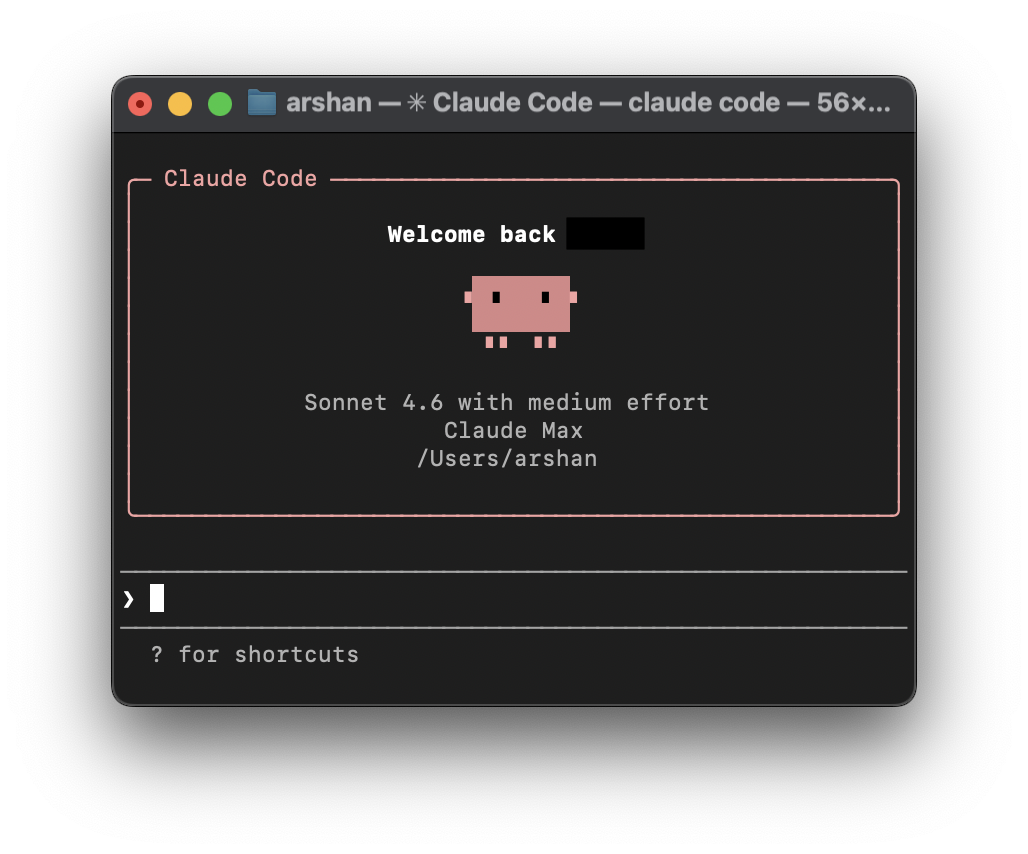
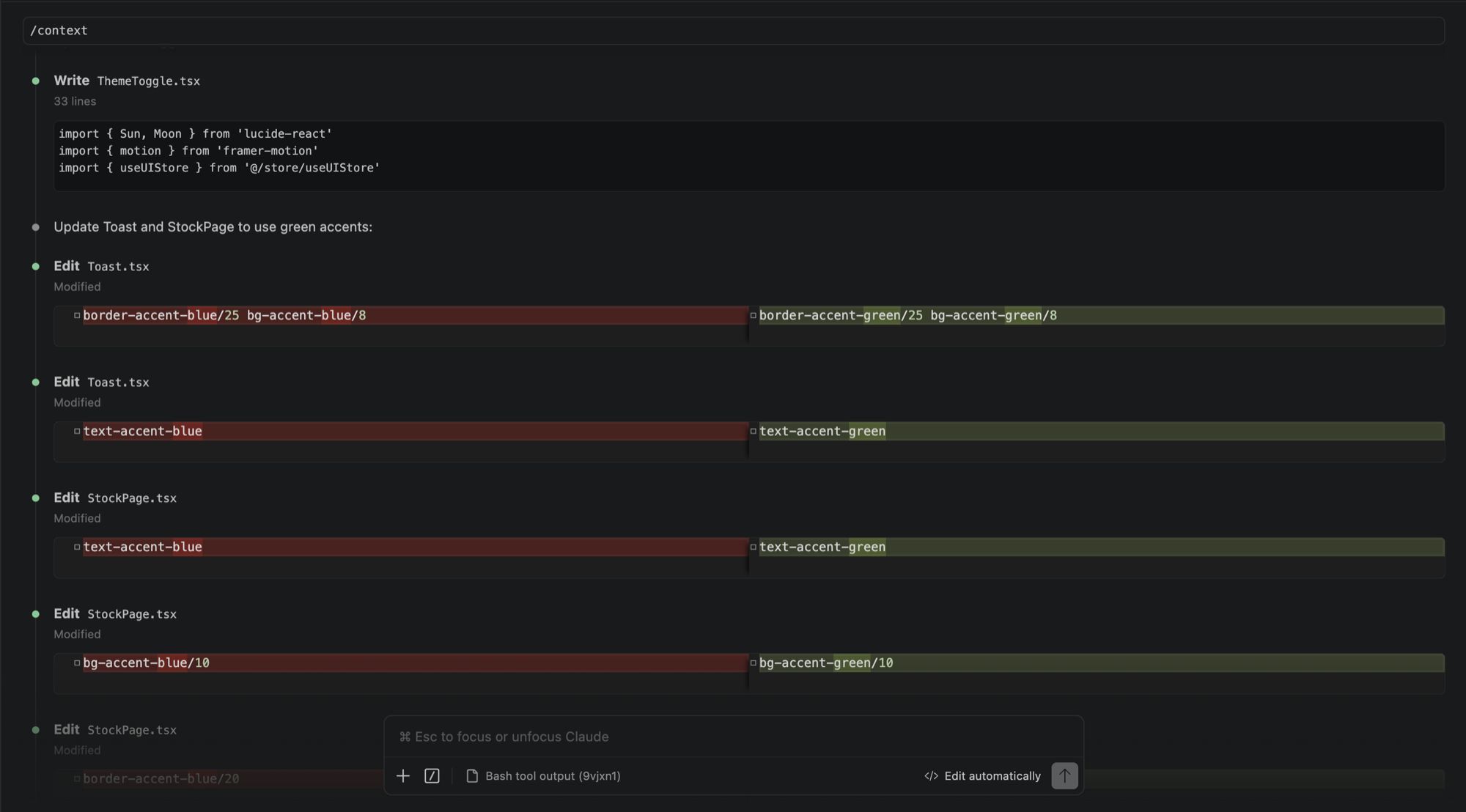
My main coding setup is VS Code with Claude Code running in the terminal. I use it daily, for everything from small edits to building full projects from scratch. Codex and Google's Antigravity have been part of the workflow too, depending on what I'm working on.
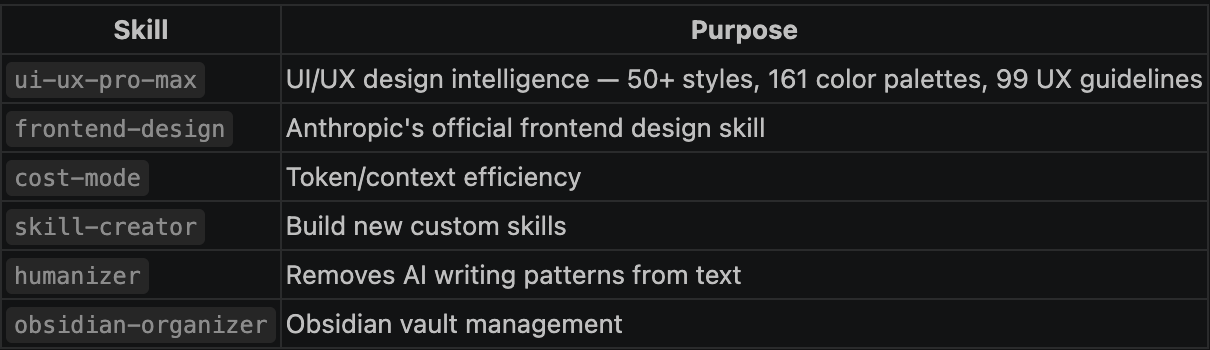
What I find more interesting than just prompting is how much you can shape the way these tools work. I've spent time building and using skills in Claude Code, which are essentially reusable instruction sets you invoke to handle specific types of tasks. There's a skill for UI/UX design decisions, one for writing in a human voice, one for working with cost and token efficiency. I've written custom ones too. It changes the tool from something generic into something that fits how I actually work.
I've downloaded and run models locally using LM Studio and Ollama. Both let you pull open-source models and run them on your own hardware, no API, no subscription. LM Studio has a cleaner interface for experimenting, Ollama is better for running models headlessly or integrating them into other tools.
For the interface side I've used Open WebUI, which gives you a ChatGPT-style frontend that connects to whichever local model you have running. It makes it easy to compare models, test prompts, and get a feel for how different sizes and architectures behave side by side.
Running things locally is how you actually learn what the numbers mean. When a 7B model runs fine but a 13B chokes, that's not abstract anymore — you understand why in terms of VRAM, RAM, and what's getting offloaded where.
Using these tools practically pushed me to understand what's actually happening under the hood. Most of this came from running into real limits and having to figure out why.
I'm working toward a proper AI workstation setup, a machine with enough VRAM and RAM to run larger models without heavy offloading, and to experiment with things like fine-tuning and running inference on models that aren't practical on a laptop. The goal is to keep narrowing the gap between using AI and actually understanding it.